
Cockpit
Cockpit Project — Cockpit Project (cockpit-project.org)
Running Cockpit — Cockpit Project (cockpit-project.org)
https://www.server-world.info/en/note?os=Ubuntu_22.04&p=cockpit
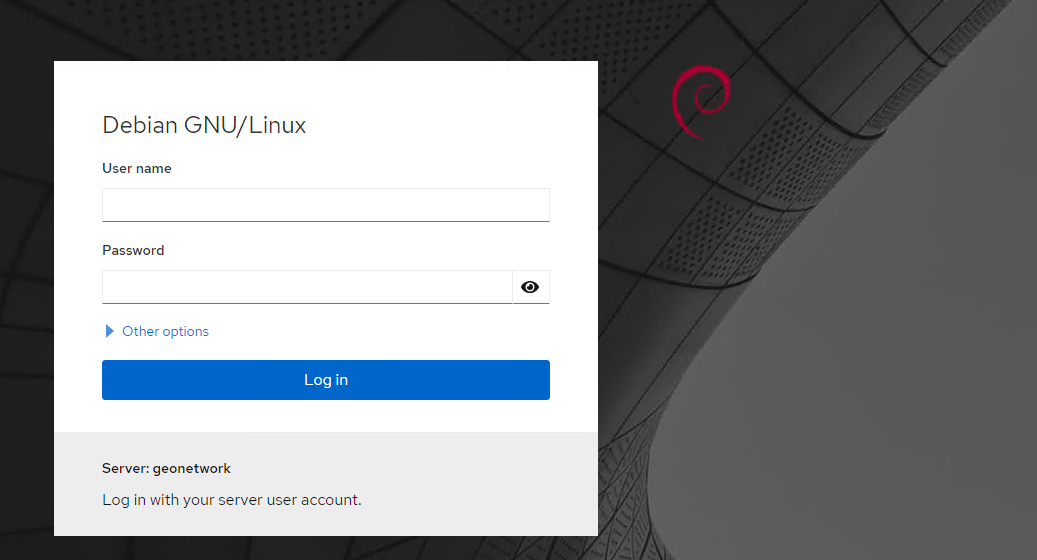
Cockpit es una herramienta de administración gráfica para servidores Linux, accesible a través de un navegador web. Su objetivo es facilitar la gestión de sistemas, especialmente para administradores que prefieren no hacerlo todo por línea de comandos.
🔧 Utilidad
Una vez instalado y accediendo por navegador (normalmente en https://<IP_del_servidor>:9090), puedes:
-
📊 Ver el uso de CPU, memoria, red, etc.
-
🧰 Administrar servicios (systemd)
-
💽 Gestionar discos, particiones y sistemas de archivos
-
👥 Administrar usuarios y grupos
-
🔐 Configurar redes y cortafuegos
-
📦 Actualizar paquetes
-
🐳 Integrarse con Docker y máquinas virtuales (con plugins)
🖥️ Interfaz
-
Web UI moderna y sencilla.
-
Pensada para admins, pero también muy útil en entornos domésticos o educativos.
-
Permite gestionar múltiples servidores (si les das acceso SSH).
✅ Caracteristicas
-
No reemplaza la terminal, la complementa.
-
Perfecto para ver gráficamente logs, rendimiento o montar sistemas de almacenamiento.
-
Ideal si no tienes monitor conectado al servidor o estás administrando remotamente.
📦 Instalación rápida en Ubuntu/Debian:
sudo apt -y install cockpit
sudo systemctl enable cockpit.socketRoot login is now by default disabled by
/etc/cockpit/disallowed-users, so if you want to allow root login you will need to remove therootentry from that file.
Plugins
sudo apt search cockpitPodman
sudo apt install cockpit-podman -yInstalar Cockpit File Sharing App
Next, we must install a third-party file-sharing application. Back at the terminal window of your hosting machine, add the 45Drives repo with:
curl -sSL https://repo.45drives.com/setup | sudo bashYou can then install the application with:
sudo apt-get install cockpit-file-sharing -y